
03 / 06 · UX / Branding
AR App For Alibaba
AR APP FOR ALIBABA
HongKong Airport Project
Intership in Alibaba | AR mobile App | 08/2019 |
Individual (source materials provided by colleagues)
Project Overview
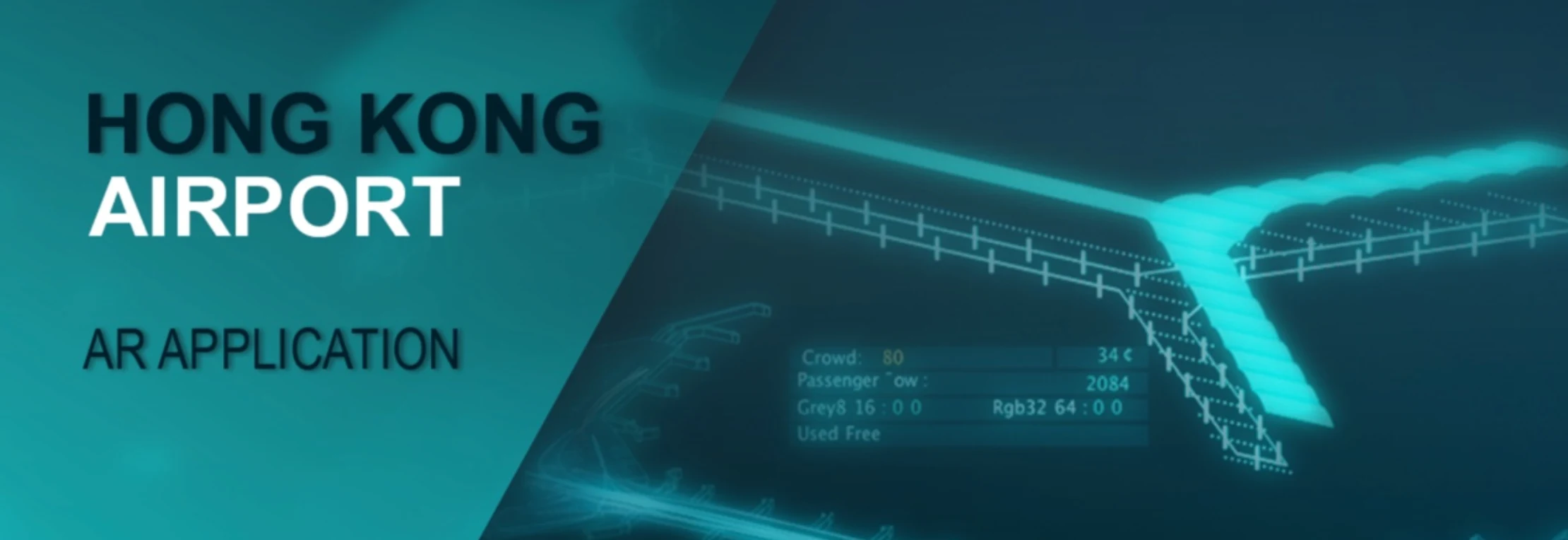
HongKong airport is one of the most important aviation hubs in Asia. After providing services for the airport, we designed this AR app with an article on journal to better illustrate our idea.
Animation in C4D and Object Baking
The first step for the 3d scene in AR is to build the 3d model and its animation. By using C4D, I set key frames for each objects to make the explosion animation of the airport building. Then by baking the whole model, the separated objects can be made as a whole and all the texture can be baked together as a large texture file. It is now all set for the next importing step and adjusting in Unity.
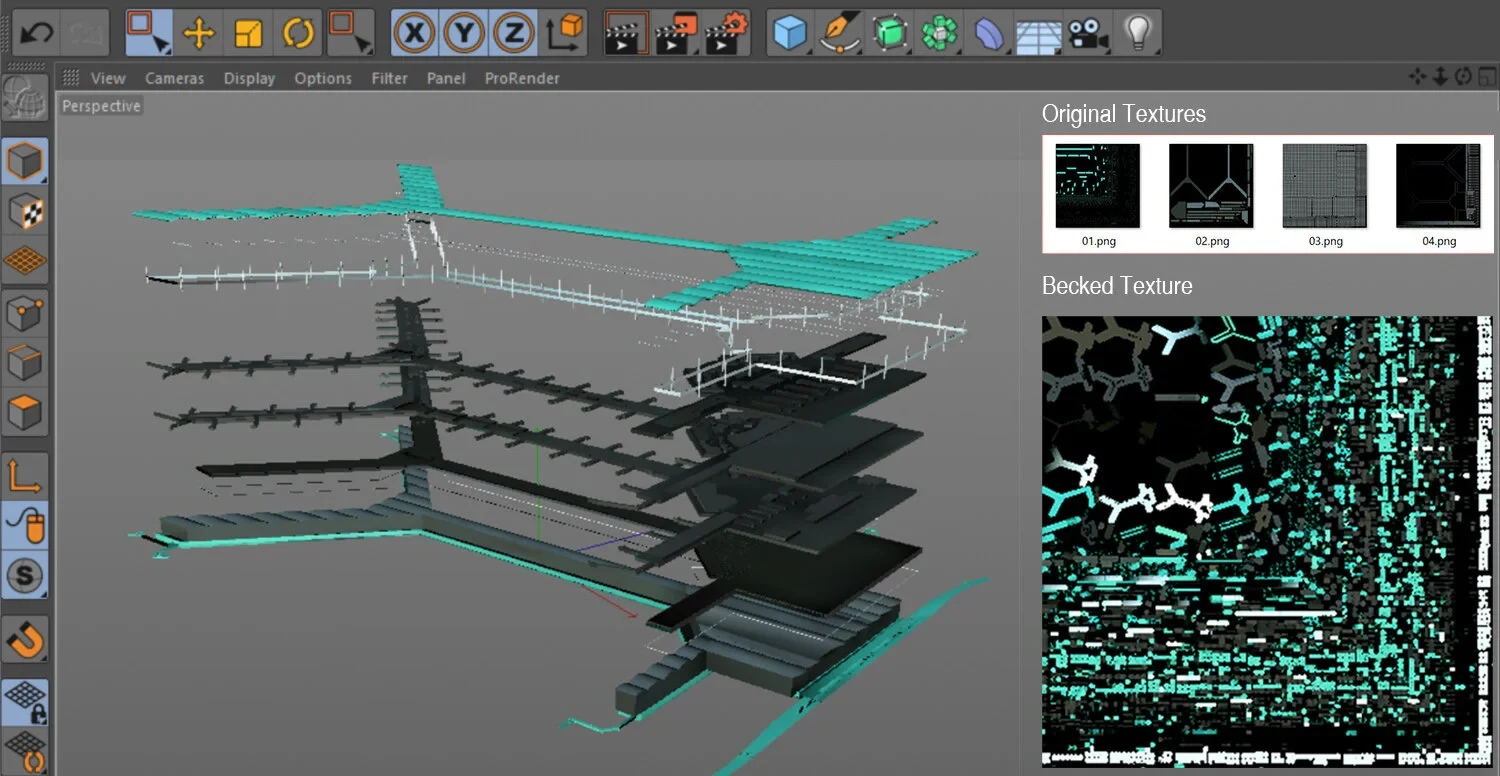
Texture Baking
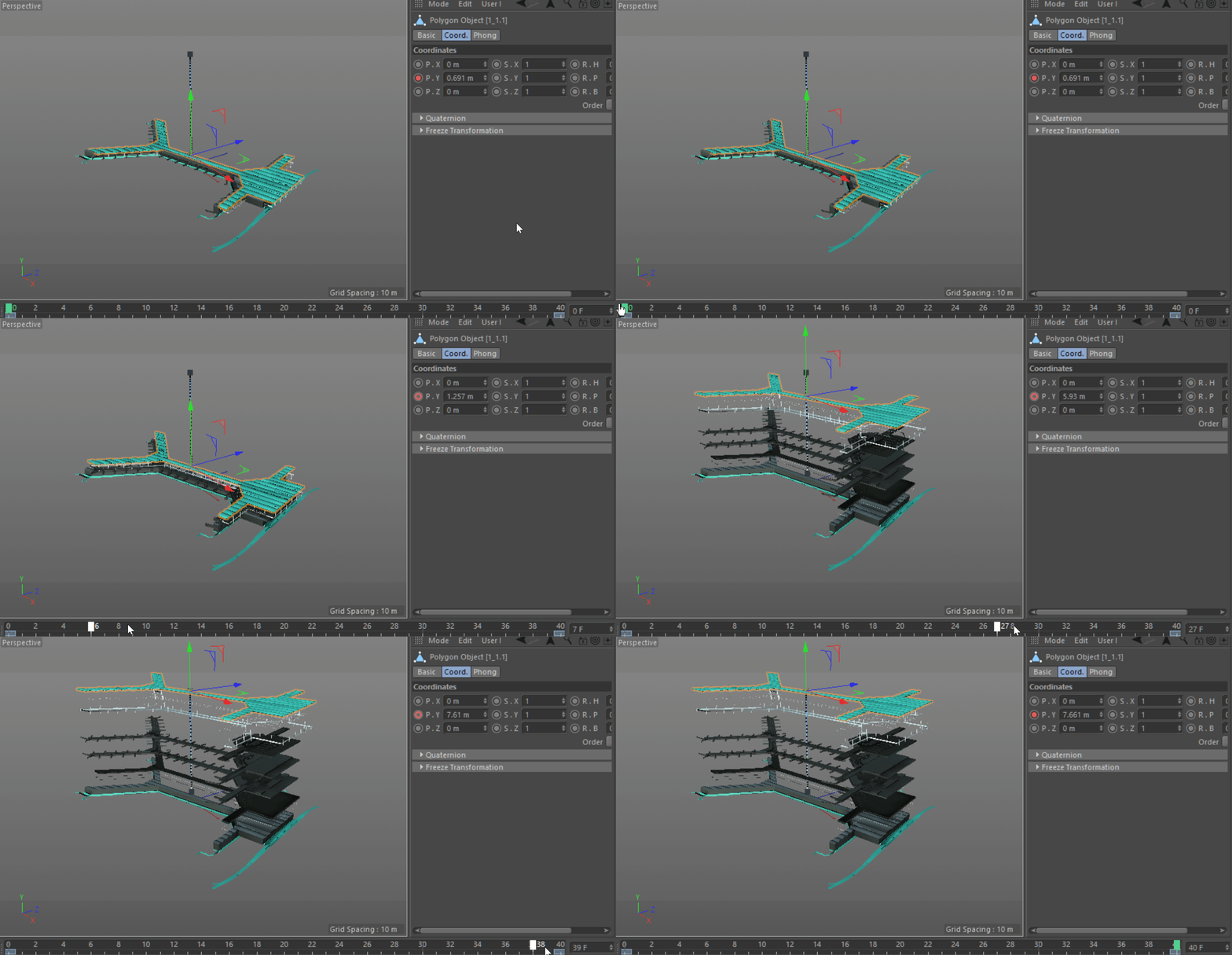
Set Animation in C4D
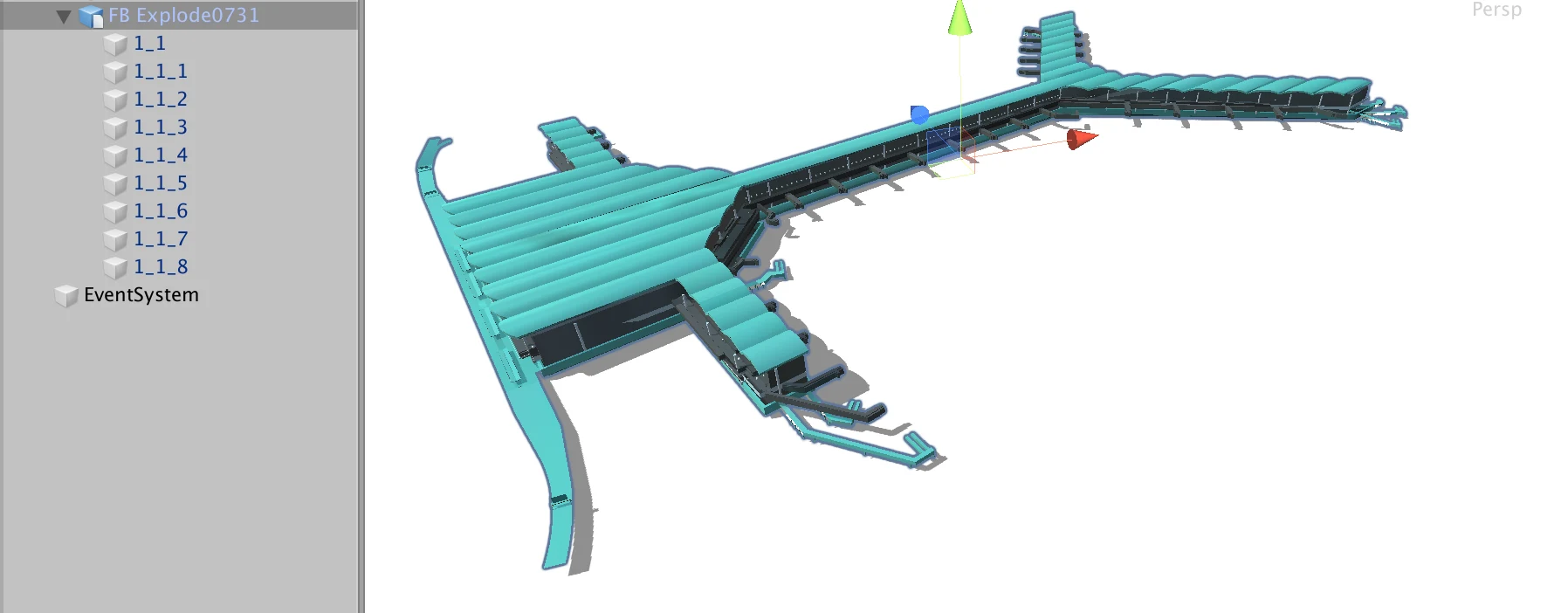
Import 3d Model to Unity
AR Test in Unity
After importing the digital model into Unity, the next step is to set the marker for AR recognition. By upload the marker image to vuforia developer potal, we can download the database and use the marker image as a texture. Then the model should be put as a child element of the image target. Thus when scanning with the camera, the device with recognize the marker and then show the digital model on it. To make it looks more real, I also added a plane with specific material to create the shadow of the airport model. Finally I replaced the normal camera with the AR camera (there’s a little bit configuration to set) and made my first AR test on computer with a web camera.
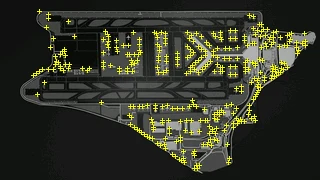
Upload Image Marker and detect Recognition Points
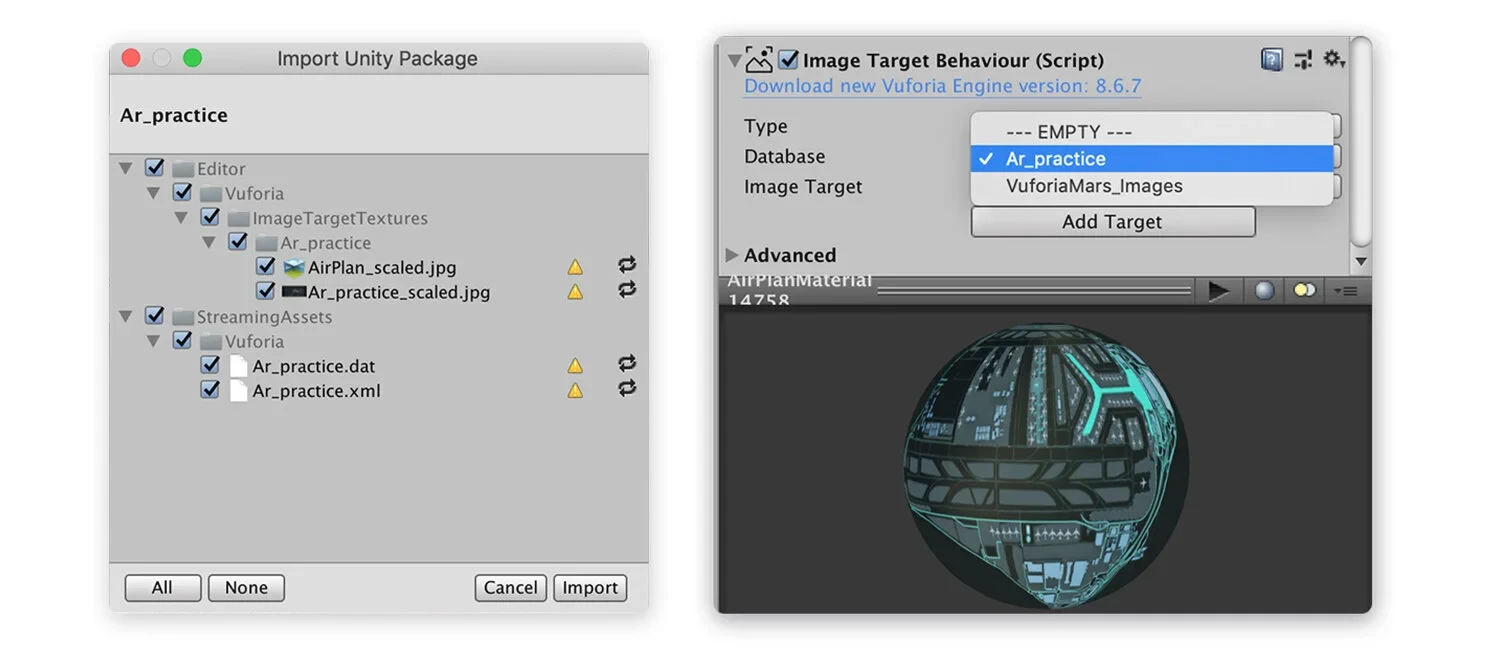
Generate Database and Import Marker Image as Texture
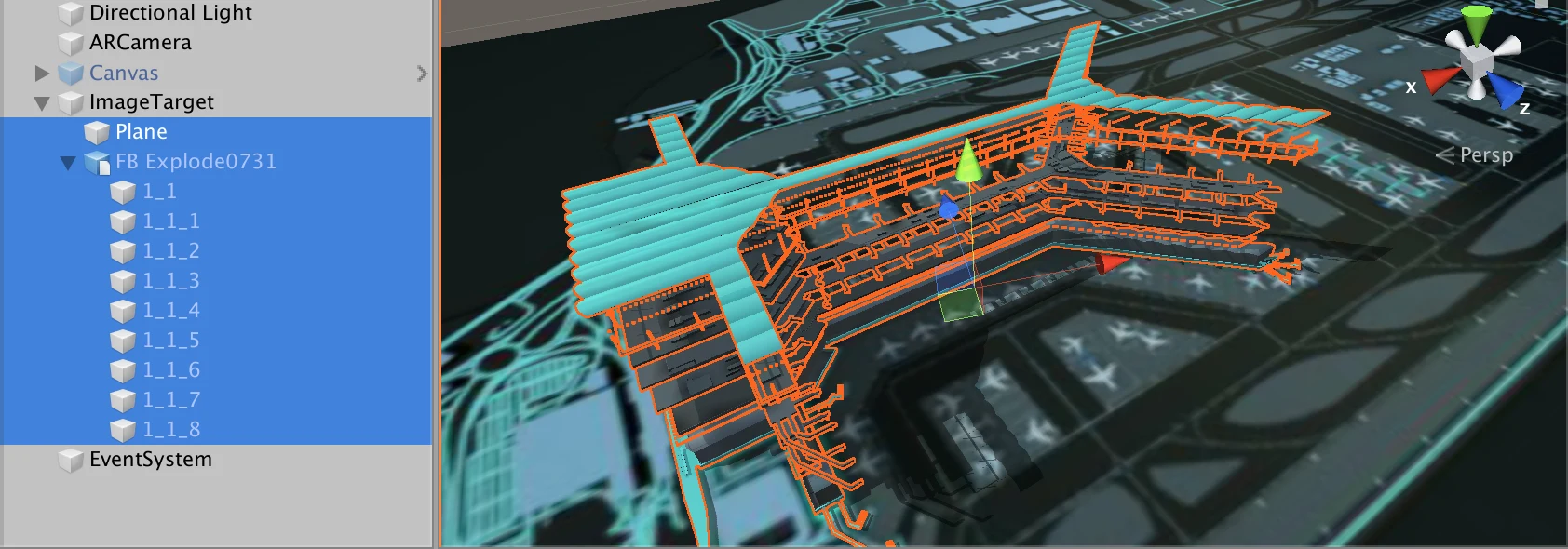
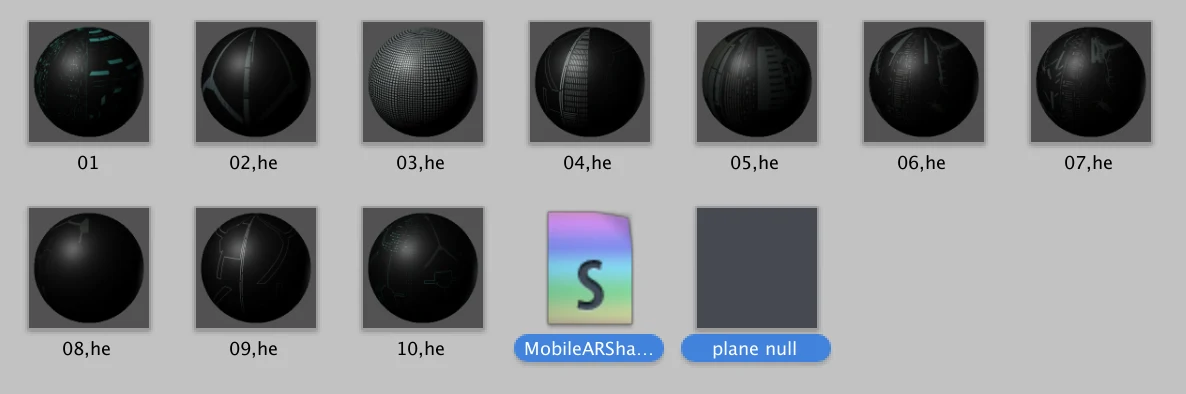
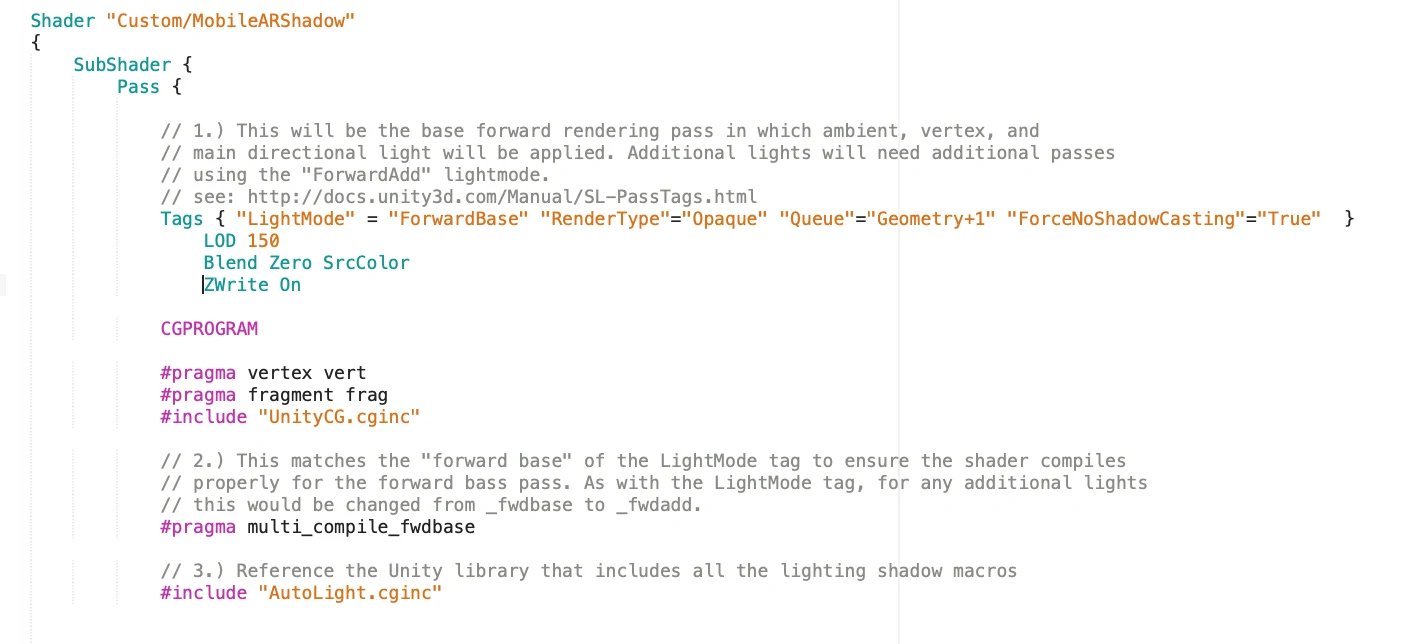
Create Plane with Shadows (Shader Script from Others)
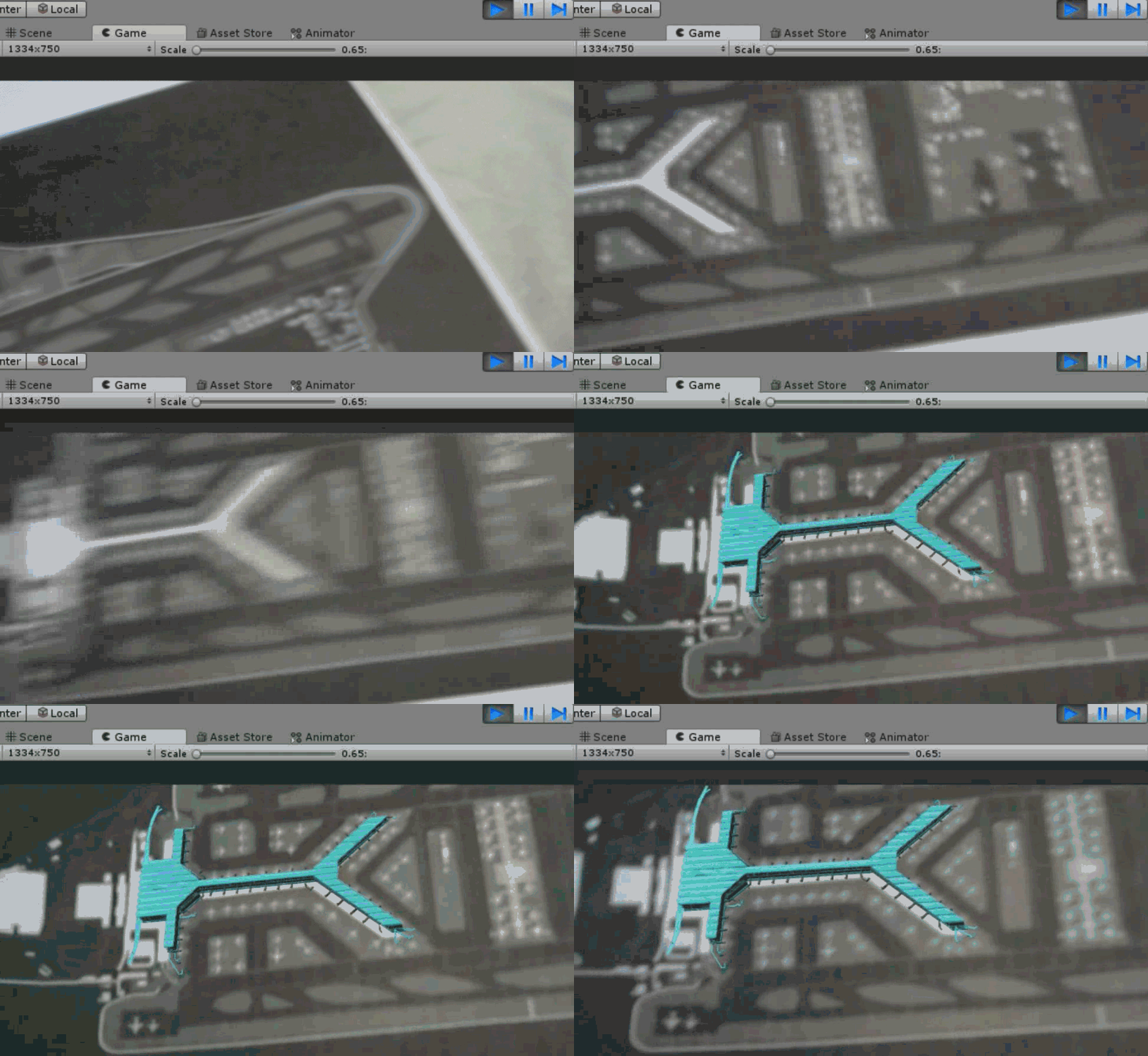
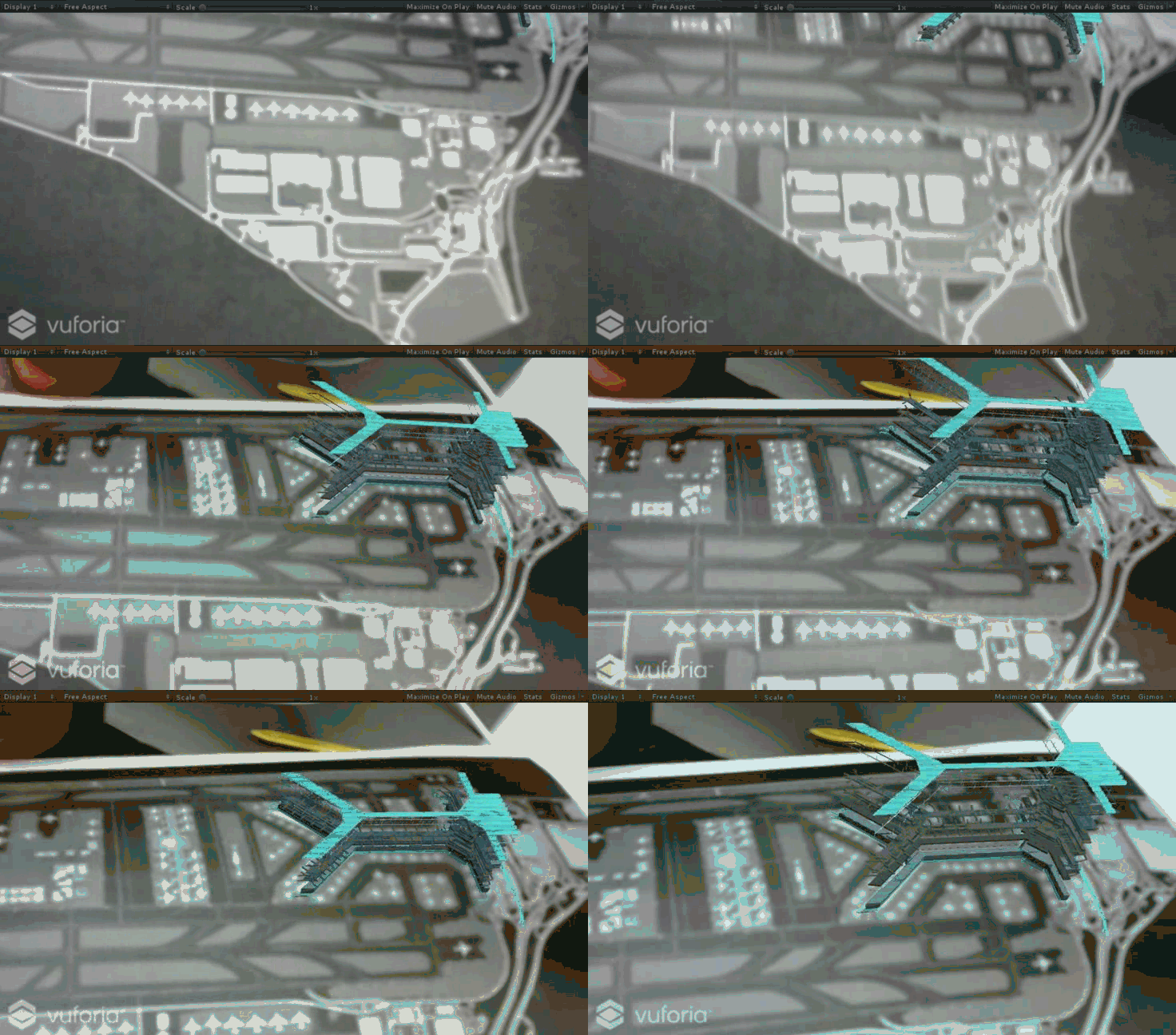
AR Prototype in Unity
UI Design and Interaction
The prototype is done after the successful AR test. Then I start with the UI design and interactions of the app. Since the user needs or this app is very simple, I just made three interfaces, the homepage, the AR scene and the introduction (about page). By using the green and blue color, with transparent UI style, the goal is to give users the sense of technology. Finally I write the scene transform scripts and the interaction to start animation of the digital model.
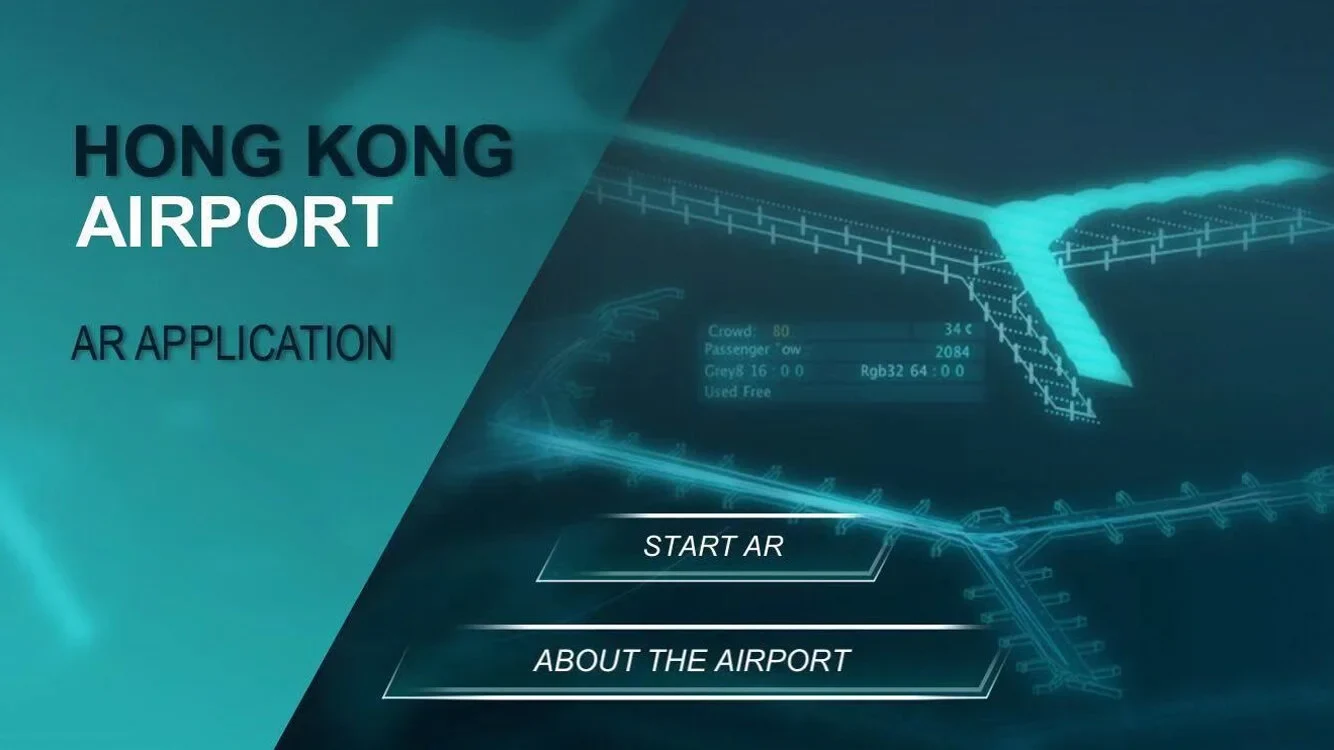
UI Design - Homepage
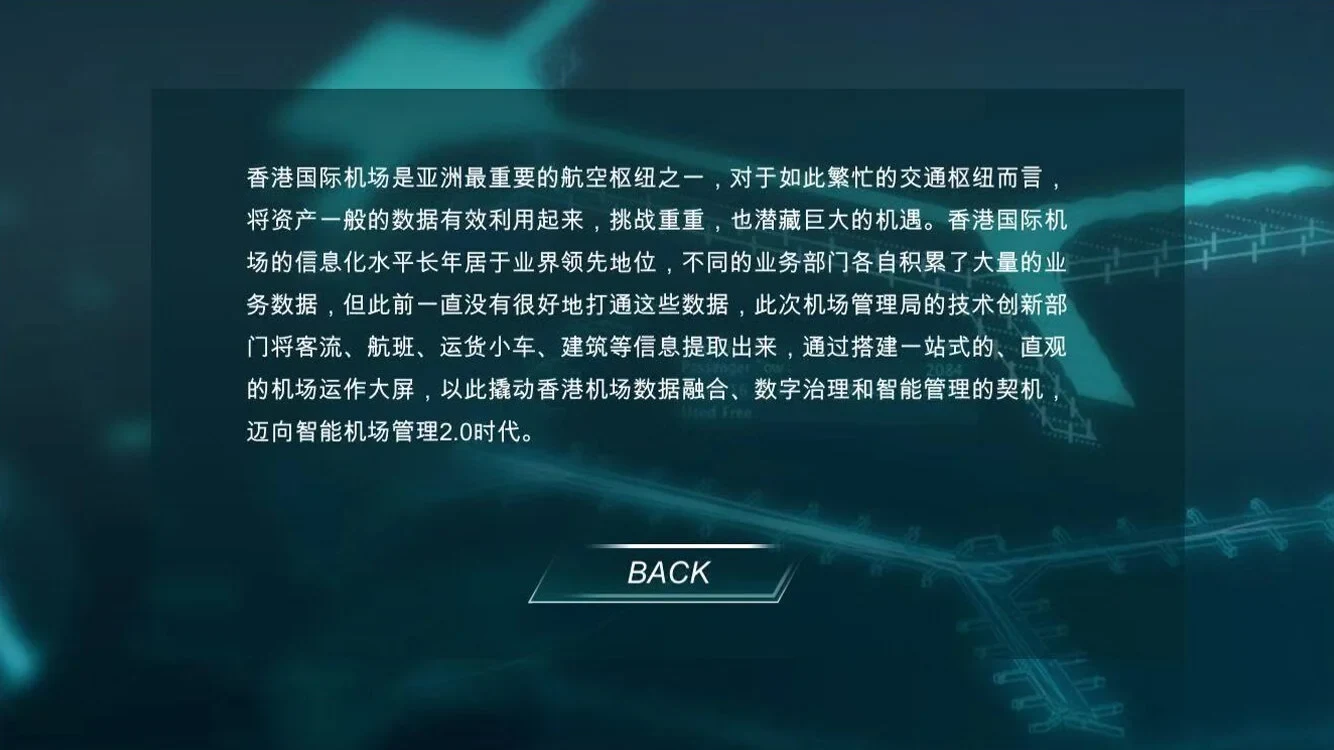
UI Design - Intro Page (About)
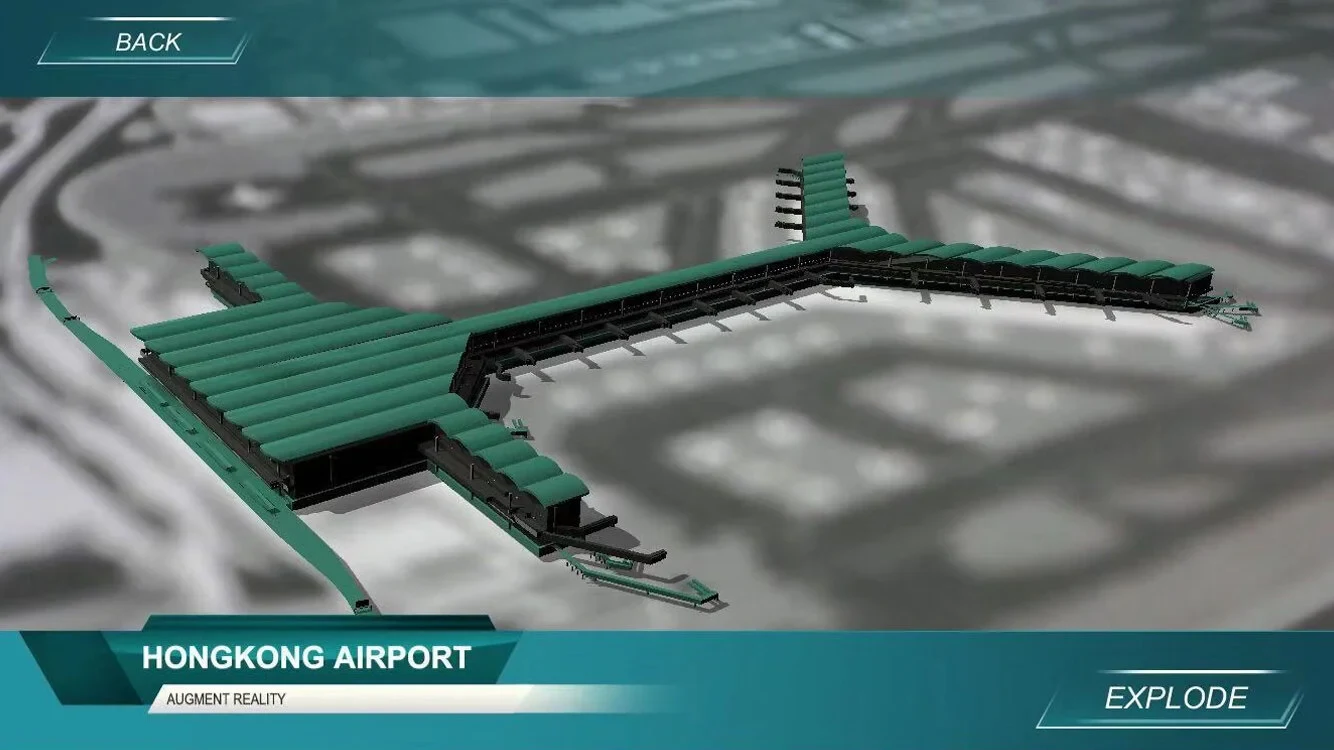
UI Design - AR Scene
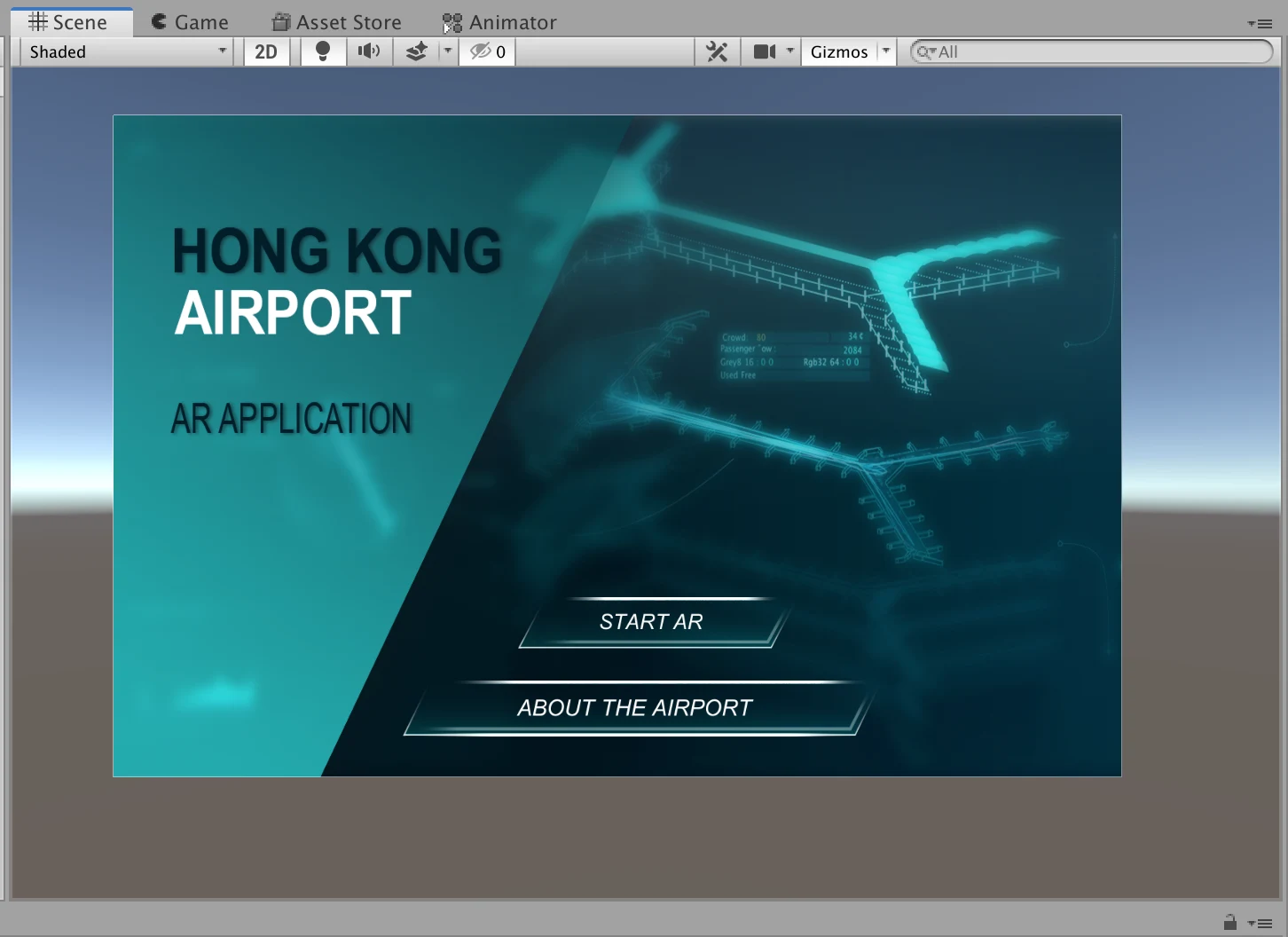
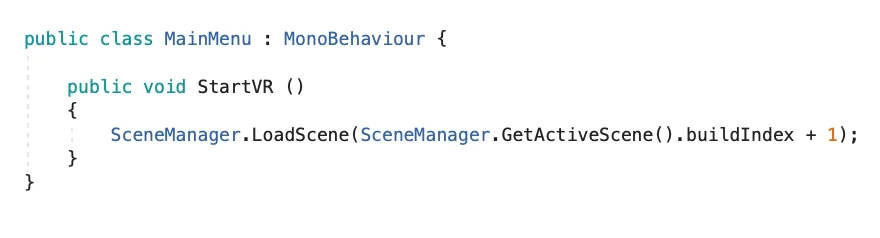

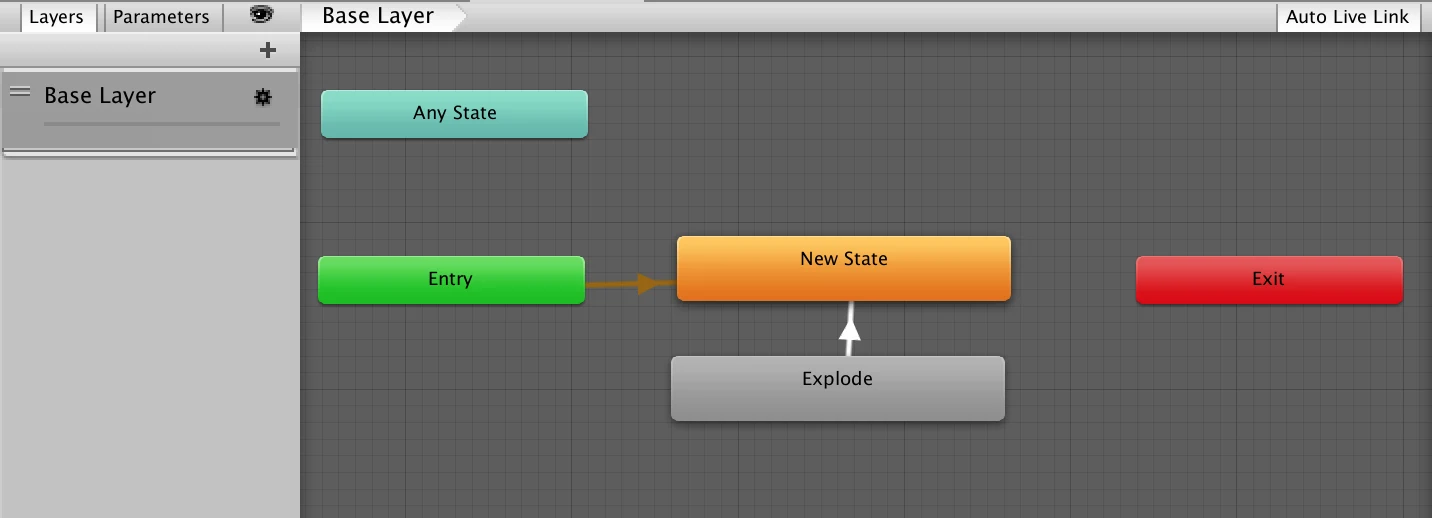
Import UI to Unity Canvas and Write Button Interactions
Test in Unity with UI and Interaction
Test on Mobile Device
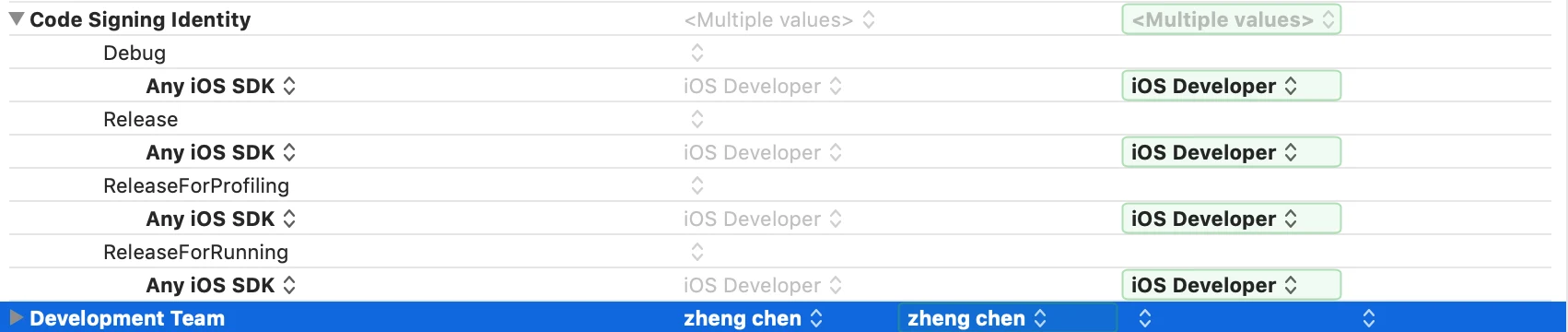
By building to Xcode, it is possible to building a real app on our mobile devices (here I just did the IOS platform test). There’re however several places that might cause problems. So I changed some of the settings like the privacy to allow users to use the camera, the target IOS version etc. And finally it successfully run on my iphone.
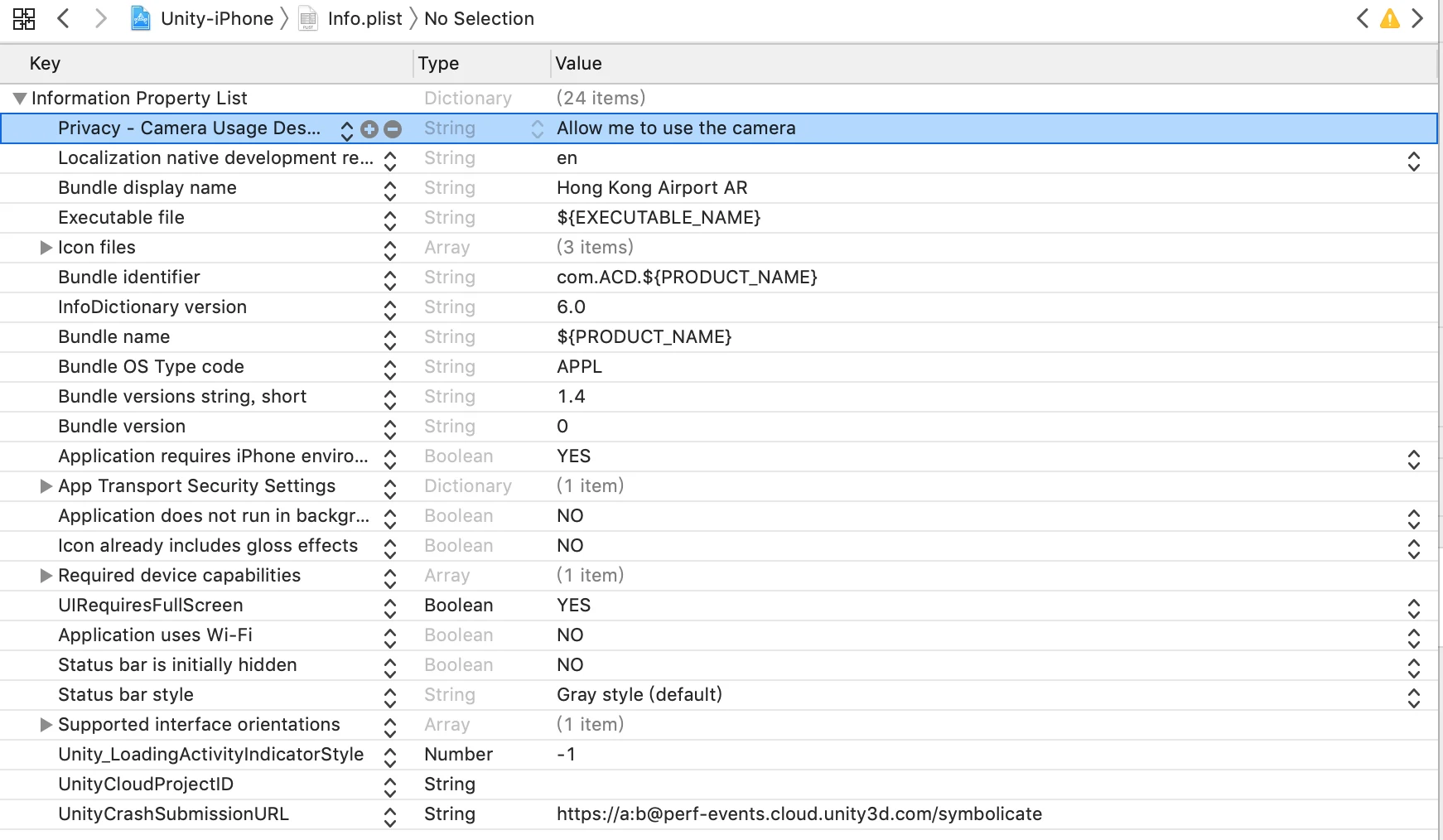

Final Step: Upload to Apple Store
And now every thing is ready for me to upload the package to Apple Store. So I borrowed a developer account from my college, applied for the certification and then uploaded the whole package. Sometime I have to talk with the Apple staffs with the qualification of the app and finally it took me about a week to finally get the things done. Now you can search “Hong Kong Airport AR” in Apple Store to download and use the app!
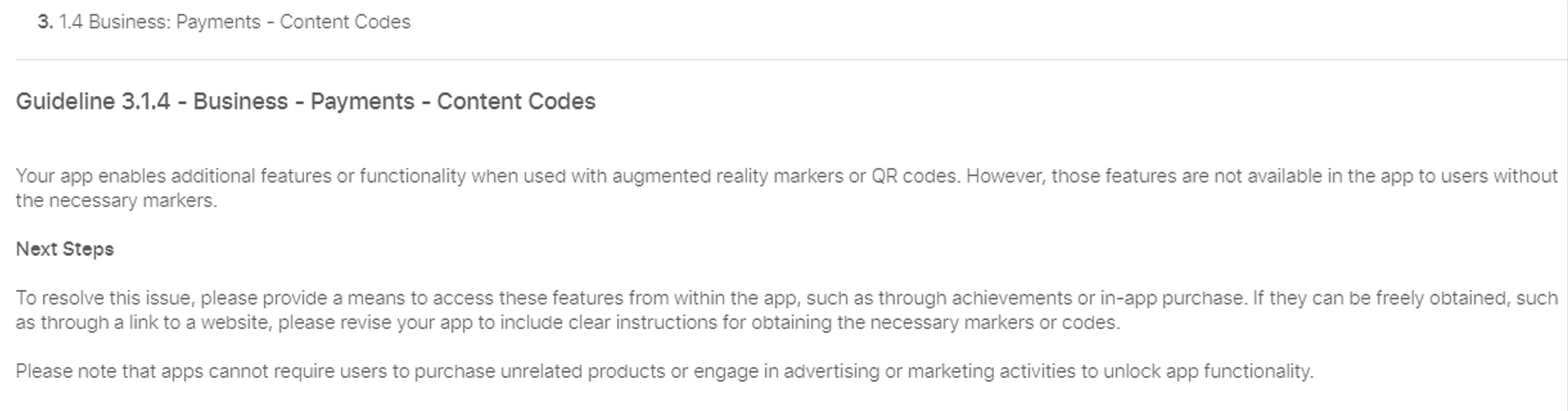
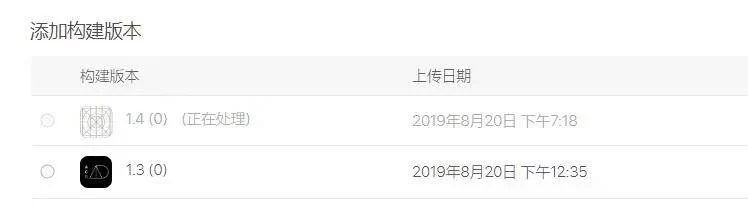
Upload the Updated Package to Apple Store
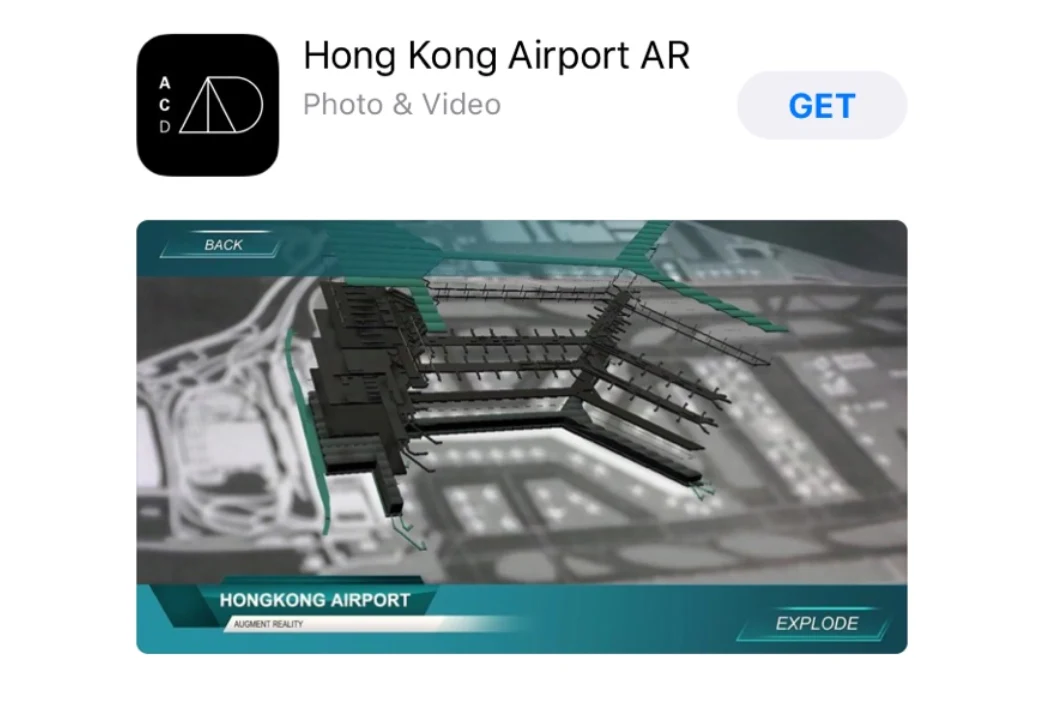
Final App You can Find in Apple Store